Vmake UGC Generator Review: The Truth About AI-Generated UGC Videos
User-generated content has become a top-notch standard for brands trying to build actual reputation.
Most buyers are sceptical of polished corporate ads; they respond much better to content that feels raw and authentic. This shift makes UGC essential for real engagement, whether that takes the form of a quick unboxing or a candid product review.
Trending Now!!:
These days, brands are always under pressure to release fresh content. For small brands, it becomes a hassle and costs a lot of money. Now, AI tools can bridge the gap.
While there is no shortage of apps designed to create this content, Vmake is worth a closer look. Below, we break down its core capabilities, including the video watermark remover, and see if the UGC Generator actually lives up to the hype.
What Is Vmake’s UGC Generator?
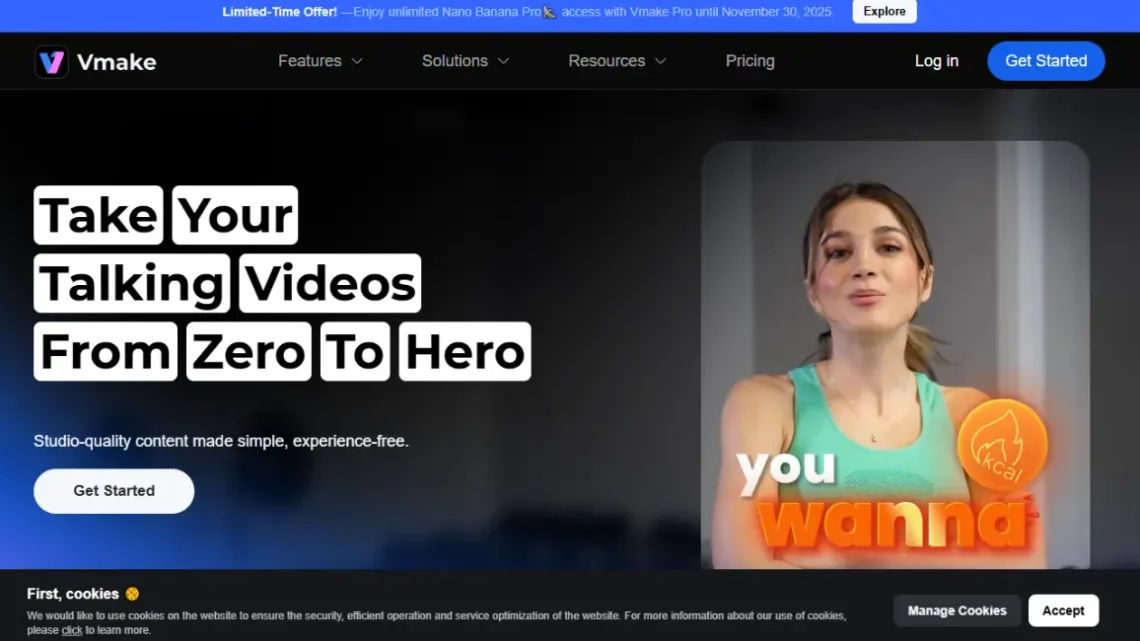
Vmake video editor acts as a production shortcut. The big draw is the UGC Generator. It copies the raw feel of real creator clips. This lets you get that viral style without a camera. You can stop chasing influencers.
You can also skip the physical shoots.
It saves you the headache. You get the right look without the grind of organizing a full production day. The platform handles the heavy lifting internally. It offers a library of avatars, natural voiceovers, and pre-structured scripts to accelerate the workflow.
Importantly, you aren’t locked into generic lines; every script is fully editable to match your campaign goals. This flexibility makes a notable difference in maintaining your brand’s unique voice across various campaigns.
The AI goes a step further by mimicking the body language and pacing typical of top-performing social clips. This makes it a highly efficient alternative to traditional production. It grants you creative control and speed, removing the high costs associated with hiring external talent for every piece of content.
Key Features of Vmake
There are many key features of Vmake. Below, we have mentioned some of the most common ones.
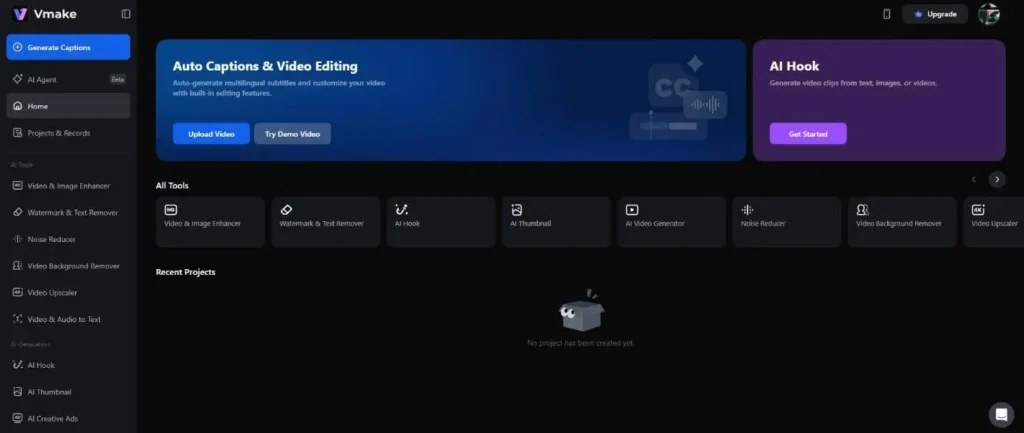
AI Avatar Library
The real draw here is the avatar roster. It isn’t limited to a few generic presets; you get a solid mix of demographics, hair colors, and aesthetics. This variety makes it much easier to “cast” a presenter who actually fits the specific tone of your brand.
AI Voice Generator
The platform pairs those visuals with a solid text-to-speech engine. You generate the vocal tracks directly, skipping the recording booth entirely. The output sounds surprisingly grounded, avoiding that robotic monotone.
It also supports multiple languages and specific regional dialects. This flexibility lets you localize your campaigns, ensuring the audio hits the right note for different international markets.
Script Automation
The script automation feature is particularly useful. It doesn’t just guess; it builds the narrative based on the specific product data or marketing angle you provide.
This gives you a tailored starting point rather than a generic template. Starting with a relevant topic saves you hours of brainstorming and reduces the chances of getting stuck on it.
Types of UGC Content from Vmake
Vmake handles a spectrum of video formats, giving you flexibility beyond just standard clips. We’ve broken down the most effective content types you can actually produce with the software below.
Product Review Videos
Product reviews are the bread and butter of the platform. You can select an avatar to demo the item and deliver a casual, “customer-first” take.
The scripts support a natural, conversational flow rather than a hard sell. These clips fit perfectly into paid ads, organic social feeds, or directly on your shop’s product pages.
Testimonial Style Videos
Testimonials are the go-to format for social proof. They allow brands to demonstrate real-world value through a “customer’s” eyes. Instead of just listing specs, the avatar shares a narrative about the experience, helping nudge hesitant buyers toward checkout. The format is flexible, easily crossing over into tutorials or quick “how-to” guides that show exactly how the item works in practice.
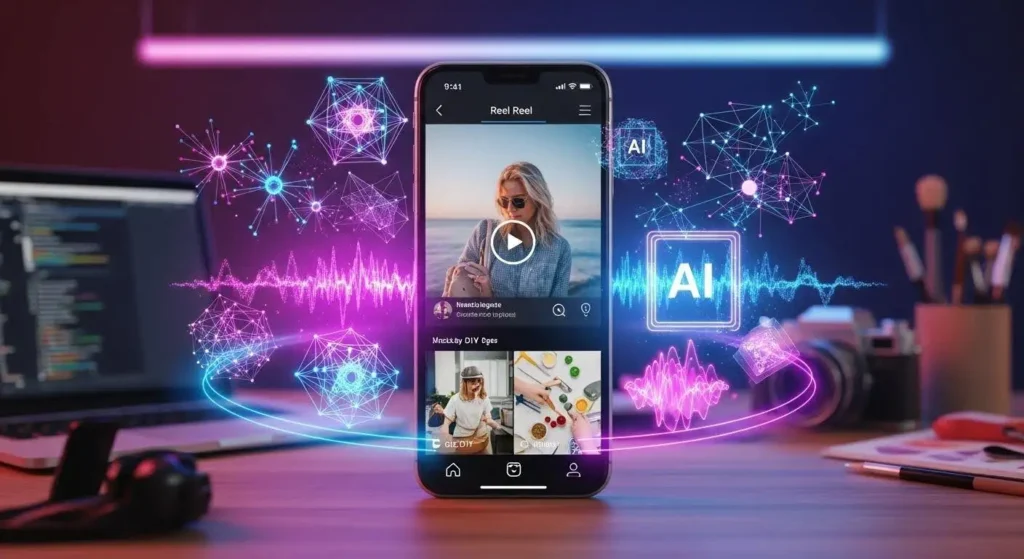
TikTok and Instagram Reels
It handles vertical clips for TikTok and Reels. Add transitions and text to keep the energy up. The software even simulates handheld smartphone angles, giving the footage that distinct, unpolished vibe that fits right in on social feeds.
How does the AI UGC Generator work?
Building reels in Vmake is a quick process. We’ve mapped out the steps below.
- Start by casting your “talent“: pick an AI avatar that fits the brand, then lock in a voice model that carries the right tone for your message.
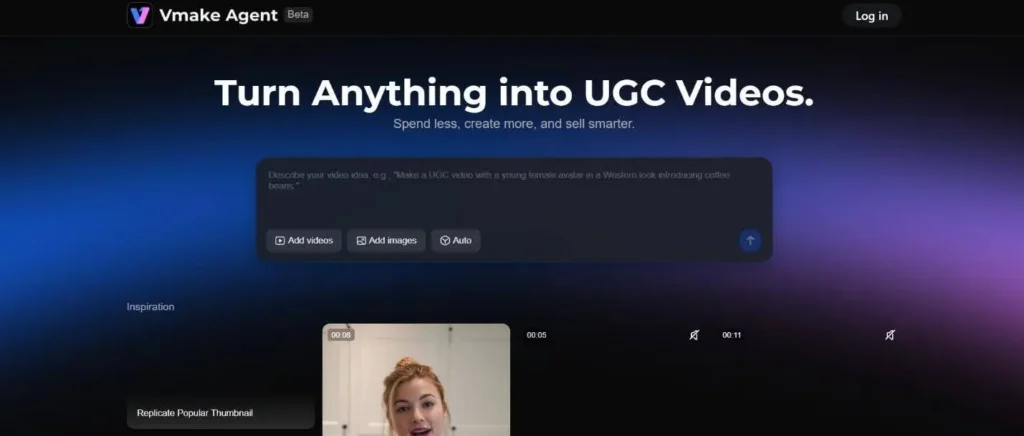
- Next, handle the script. You can write it from scratch or lean on the built-in generator to draft the lines. The automated route is a lifesaver when you need to push content out fast without getting stuck on the writing.
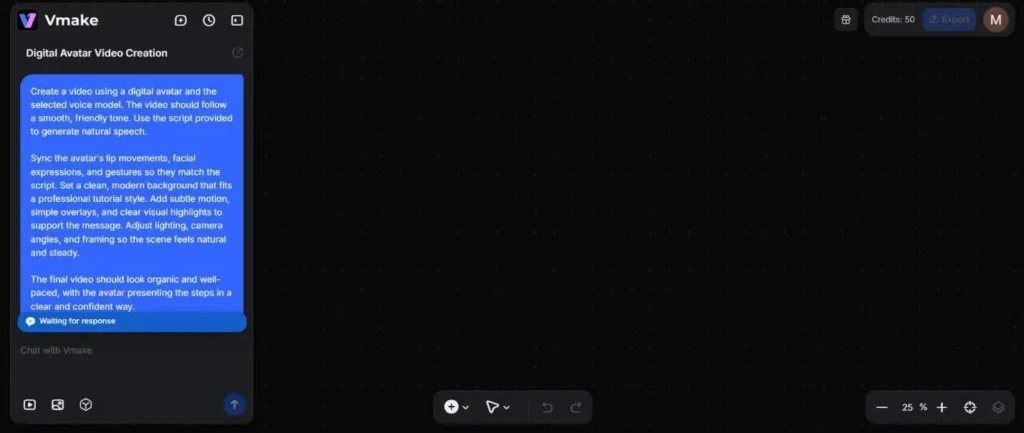
- With the lines locked, the software matches the avatar’s lip-sync and acting to the audio. Then you handle the visual build. You can switch out the background, place your product assets, and add overlays to keep the pacing tight. You control the lighting and framing. This helps shake off the stiff look. The result feels like real mobile footage.
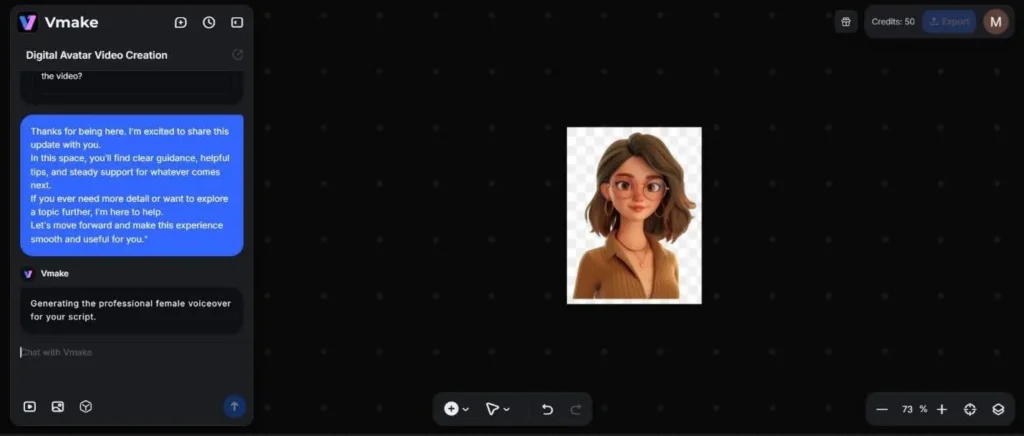
The process is fast; you can knock out a finished clip in just a few minutes. The layout makes sense immediately, so you can fly through the steps without getting bogged down by a confusing interface.
Final Words
Vmake is a solid option for churning out UGC without the hassle of a physical shoot. It works well for everything from product promos to step-by-step tutorials, keeping your content pipeline full.
You get to skip the casting and recording logistics entirely. This article should explain the process. Now you can easily create videos that go viral.