
Why Your WordPress Website Will Crash on Your Most Important Day and How to Prevent It
Two years ago, I got a Slack message from a client at 11:47 PM on a Friday. It just read, “The website is down. Everything is gone. Call me now.”
That was already bad.
Trending Now!!:
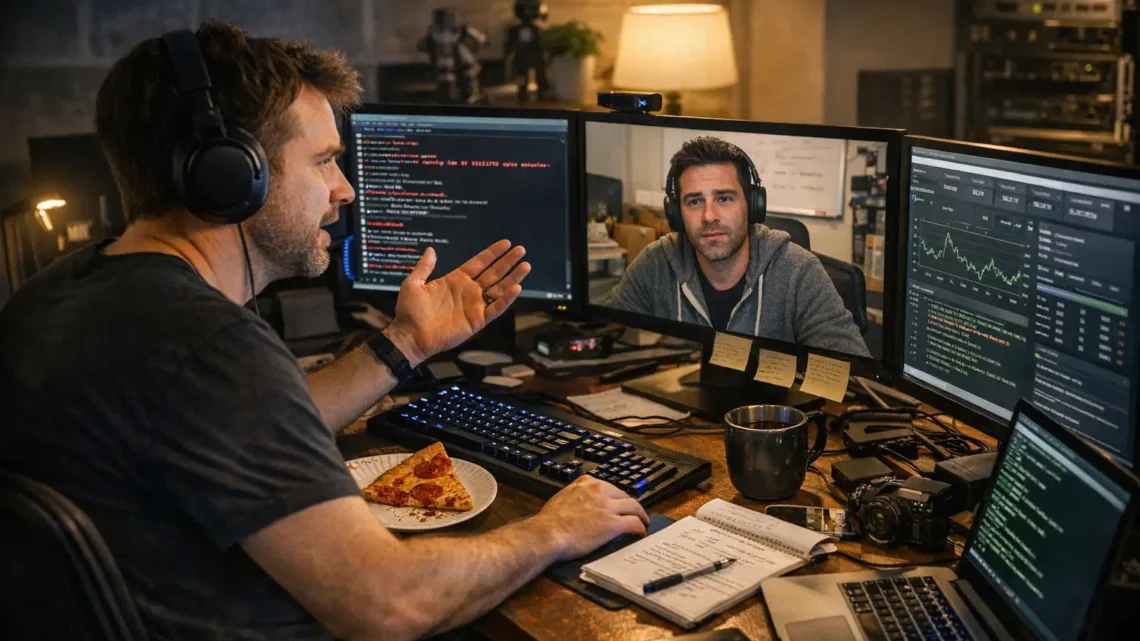
I was sitting in my home office in Austin, Texas, three monitors glowing, a half-eaten slice of pepperoni pizza going cold beside my keyboard.
I had been in web development for over a decade at that point, built more than two hundred websites, survived server crashes, bad clients, and one particularly memorable JavaScript error that took me four days to find. But something about those five words made my stomach drop like a failed API call.
I called Marcus.
“Dude,” he said, skipping hello entirely, “my entire e-commerce store is returning a 500 error. Black Friday is in eleven hours. I have forty thousand dollars in scheduled ad spend going live at midnight.”
I closed my eyes for exactly two seconds, then I cracked my knuckles.
“Send me your hosting credentials,” I said. “Don’t touch anything.”
Here is the thing about web development that nobody tells you when you are sitting in a bootcamp or watching a YouTube tutorial on HTML and CSS. The real job, the job that separates developers who last from developers who quit, is not writing clean code. It is staying calm when everything is on fire and someone is losing money by the minute.
I had learned that lesson the hard way in 2013, when I was a junior developer at a digital agency in Chicago. My senior, a sharp-eyed woman named Priya, watched me once lose my mind over a broken jQuery plugin.
I was sweating, muttering, refreshing the browser every ten seconds like it would magically fix itself. She walked over, pulled up a chair, looked at my screen, and said simply, “Stop reacting. Start reading.”
She pointed at the browser console.
“Every error has a message,” she said. “Read the message. It is trying to help you.”
That single sentence changed how I debug forever.
Back to Marcus and his dying store.
I SSH’d into his server, a shared hosting environment, which, as any experienced web developer will tell you, is already the first problem.
Shared hosting is the economy seat of the web world, fine for a portfolio site or a blog, a disaster waiting to happen for a high-traffic WooCommerce store running hundreds of product pages, dynamic PHP queries, and unoptimized database tables the size of a small city.
The terminal was slow. I could almost feel the server sweating.
I ran a quick error log check and there it was, glowing red in the console like a neon sign in a bad neighborhood:
“Fatal error: Allowed memory size of 134217728 bytes exhausted.”
PHP memory limit. Classic.
I almost laughed.
Marcus had hired a developer two weeks earlier, someone he found on a freelance platform for forty dollars, to install a new plugin for product filters. That developer had done the job, technically.
But they had also activated six other plugins while poking around, including two that ran heavy background processes, a broken cache plugin that was generating files instead of clearing them, and a slider plugin nobody asked for.
The server was choking on its own weight.
I opened his wp-config.php file and increased the PHP memory limit. Then I deactivated the rogue plugins one by one through the database directly, since the WordPress admin panel was itself timing out.
I cleared the cache manually through the file manager, deleted the bloated auto-generated cache files that had somehow ballooned to over three gigabytes, and restarted the server processes.
Then I held my breath and refreshed his URL.
The homepage loaded.
Clean. Fast. Beautiful.
I sat back in my chair, exhaled slowly, and typed to Marcus, “Check it.”
Thirty seconds of silence.
Then, “BRO. It is back. How???”
I want to pause the story here because I think this is where most people misunderstand what web development actually is.
When people hear “web developer,” they picture someone building sleek websites with perfect animations, writing JavaScript that dances, designing layouts that make designers weep with joy.
And yes, that is part of it. Knowing your HTML structure, your CSS flexbox and grid, your responsive design breakpoints, your React components and state management, your REST APIs and JSON responses, all of that matters deeply.
But the real craft is problem-solving under pressure.
I have debugged WordPress sites at 2 AM for clients who were launching the next morning. I have rebuilt a corrupted MySQL database from a partial backup while on a video call, keeping my voice steady while internally praying to every deity I could name. I have rewritten JavaScript functions that a previous developer had commented in three different languages, none of them English.
Experience in this field is not measured in certifications. It is measured in the number of times things broke on you, and you fixed them anyway.
After I stabilized Marcus’s site that night, we got on a video call. He had the slightly hollow look of a man who had just watched his business flash before his eyes. His home office in Seattle was visible behind him, a whiteboard covered in marketing funnels, a stack of shipping boxes in the corner.
“I need to understand what happened,” he said.
“You had too much running on too little,” I told him. “Shared hosting, unoptimized database, too many plugins doing too much. Your site is not a blog anymore, Marcus. It is an actual store. It needs to be treated like one.”
“So what do I do?”
“Tomorrow, after Black Friday, we move you to a managed cloud hosting environment. We optimize your database, compress your images properly, set up a real CDN for your static assets, and we do a full plugin audit. You keep only what you actually need.”
He nodded slowly.
“And that forty-dollar developer?” I asked.
He grimaced.
“Yeah,” he said, “I learned that lesson.”
Black Friday came. The ads went live at midnight.
I stayed awake, monitoring his server metrics from my dashboard like an air traffic controller watching a busy runway. Traffic spiked hard at 12:15 AM. The site held. Load time stayed under two seconds. The checkout flow worked perfectly. His WooCommerce orders started rolling in, one every few minutes, then one every few seconds.
By 3 AM, he had done more sales than his entire previous month.
At 3:22 AM, he sent me a voice message. I could hear him grinning through the audio.
“Man. I cannot believe you saved this. I thought it was over. I thought everything was gone.”
I was exhausted, wired on coffee, eyes burning from staring at screens for four hours straight. But I was grinning too.
“This is the job,” I typed back. “Get some sleep. We fix the real problems next week.”
Here is what I want anyone reading this to take away, whether you are a beginner trying to learn web development, a business owner wondering why your website keeps breaking, or a developer somewhere in year two or three of your journey, hitting that wall where everything feels impossible.
This field rewards patience. It rewards curiosity. It rewards the developer who, when a site crashes, does not panic and start randomly clicking, but instead pulls up the console, reads the error message, traces the logic, and works the problem backwards from the symptom to the cause.
Learn your fundamentals. HTML, CSS, JavaScript, they are not boring stepping stones. They are the foundation everything else sits on. When you understand why a webpage renders the way it does, when you understand the DOM, HTTP requests, how a browser parses a stylesheet, how asynchronous JavaScript actually works, you stop guessing and start knowing.
Learn your tools. Git for version control, so you can always roll back. A staging environment, so you never test on live. A performance monitoring setup, so you are not waiting for a client’s panicked midnight message to find out something is wrong.
And learn to stay calm. That is the skill they never teach in tutorials.
Marcus and I have worked together ever since that night. His store is now running on a dedicated cloud server, fully optimized, with automated backups every six hours, a CDN serving his images globally, and a clean, audited plugin list that does exactly what it needs to do and nothing more.
Last month, he sent me a photo. It was a screenshot of his annual revenue dashboard, a number I will not share because it is his story to tell, but trust me when I say it made both of us smile.
The caption just said, “Still standing. Because of one Friday night.”
I saved that photo.
Some nights, when a new project goes sideways and I am back in the terminal at midnight, reading error logs by the light of three monitors with cold coffee at my elbow, I pull it up and look at it for a moment.
Then I crack my knuckles, read the error message, and get back to work.
Because in web development, the site always has to go back up.
That is the job. That is the whole job.
And after ten years, I still love it.